
Archiving a Class
At the end of the school year, or when a class is no longer needed, archive it. Archiving hides the class without losing anything.
Archiving
- Open Configure class → Class Settings
- Scroll to the red Archive Class section at the bottom
- Click Archive Class and confirm
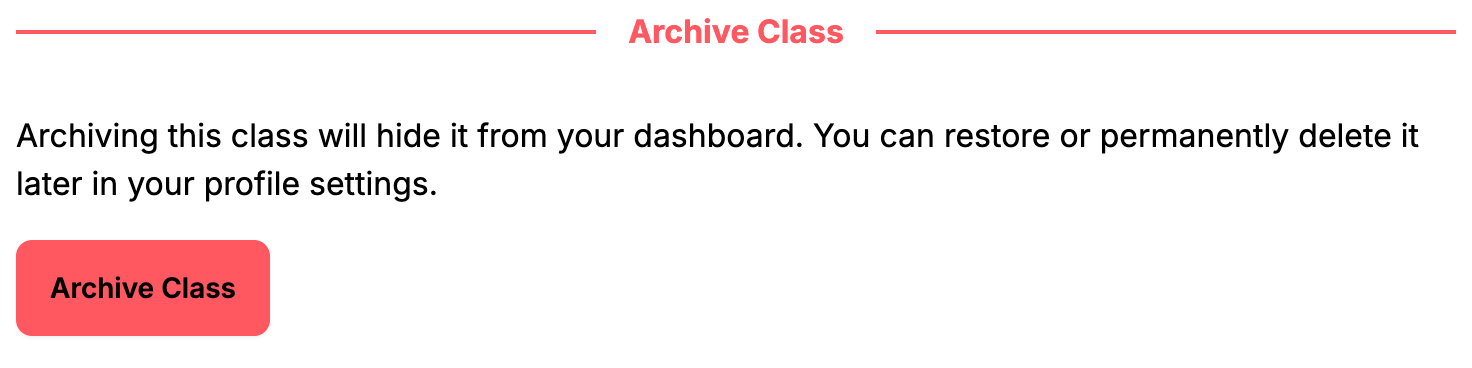
What happens:
- The class disappears from your dashboard
- All students, progress, activity and settings are kept
- Students can no longer log in to that class, unless they are also in one of your active classes
Shared configuration
If other classes use this class's rewards, warnings, powers, shop items or mystery events, ClassMana lists them before archiving. That configuration is copied to those classes so they keep working independently.
Restoring an Archived Class
- Click your avatar in the top right and open My Classes
- Scroll to Archived Classes
- Click Restore
The class returns to your dashboard exactly as you left it.
Deleting Permanently
In the same Archived Classes list, Delete Permanently destroys the class and everything in it: students, their progress, the activity log, rewards, powers and shop items. Classes that used this class's configuration are listed first, and get their own copy of it.
This cannot be undone
There is no way to recover a permanently deleted class. Archive instead, unless you are certain, or unless privacy rules require the data to be removed.
Next Steps
- Class Settings - Prepare a class for the new school year instead of archiving it
- Create a Class - Start fresh with a new class